
QR Codes Made Simple: Fast, Custom, and Ready to Share
Why QR codes still matter in a hyperlinked world
Despite living in a world filled with clickable links and smart devices, QR codes remain one of the fastest, most flexible ways to bridge the gap between physical and digital experiences. From business cards and posters to menus, product packaging, and payment systems, QR codes deliver instant access without typing or searching.
Whether you're a marketer, event organizer, product designer, or developer, having a reliable QR code generator saves time and adds professionalism to your work. And that’s exactly where the BeeForge QR Code Generator comes in.
Static vs dynamic? Sometimes simple is smarter
Let’s be real: most use-cases don’t need complex, trackable, subscription-based QR platforms. If you just want to encode a URL, text, contact card, or Wi-Fi password — and download it as a crisp, high-quality image — you shouldn’t need to sign up, pay monthly, or install anything.
The BeeForge QR Code Generator keeps things focused: it’s fast, free, and entirely browser-based. No gimmicks, no watermarks, and no bloat. Just functional QR codes in seconds.
What it does
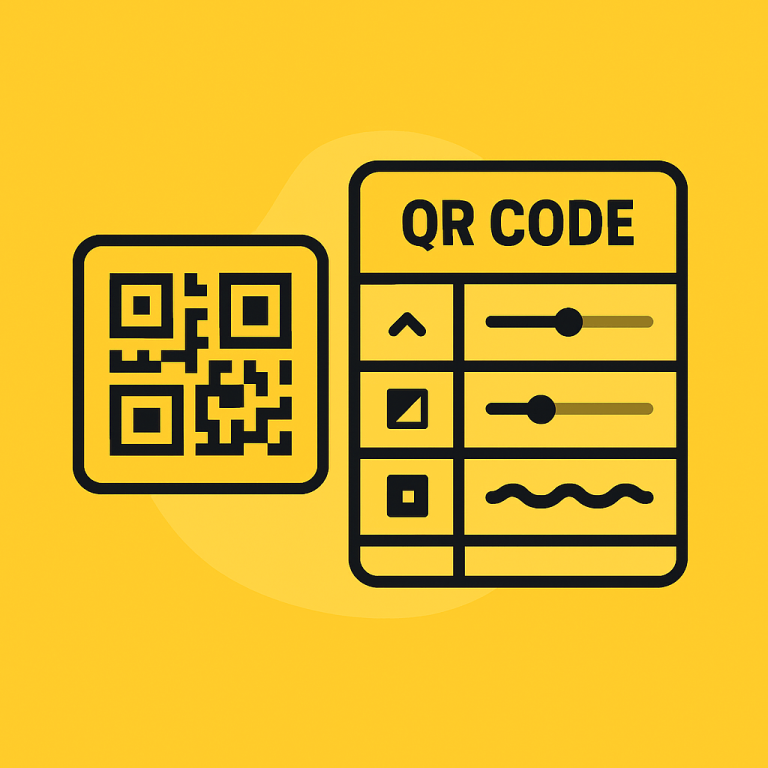
The BeeForge QR Code Generator gives you complete control over your QR code's content and appearance:
- Supports multiple data types — URLs, plain text, email, phone numbers, contact info (vCard), and more
- Real-time preview — see your QR update live as you type
- Adjustable size and padding — perfect for print and screen
- Color customization — foreground and background
- Error correction settings — make your code scannable even when partially obscured
- Image export — download your QR as PNG for immediate use
How it helps
This tool isn’t just for developers or techies. It’s made for anyone who needs to share digital information — simply, securely, and without delay. Some use cases:
- Generate product links for packaging or manuals
- Create event check-in codes for flyers or badges
- Add Wi-Fi credentials to your Airbnb or café printout
- Enable quick access to apps, downloads, or menus
- Use custom colors to match your brand identity
And because it’s client-side and browser-based, your data never leaves your computer. No server processing, no third-party tracking — just pure QR code generation.
How to use it
- Visit the BeeForge QR Code Generator.
- Select your desired data type (URL, text, email, etc.).
- Enter your content in the main input field.
- Customize the size, colors, and error correction level.
- Preview your QR code live — no clicks or delays.
- Click “Download” to save your PNG and share it anywhere.
Tips for better QR usage
- Use high error correction (Q or H) for codes placed in busy environments or on curved surfaces.
- Keep contrast high — dark foreground on light background works best.
- Test your QR code with multiple scanning apps before final use.
- Always link to mobile-friendly pages — users are likely scanning with a phone.
Looking for more visual tools?
The BeeForge platform includes a wide range of browser-based generators and utilities for creators, marketers, and developers. Explore the full Generators category for code-to-image tools, spinner creators, gradient builders, and more — all with clean UIs and zero distractions.
Final thoughts
QR codes aren’t going anywhere — and with the BeeForge QR Code Generator, you don’t need to overcomplicate the process. Whether you're generating one or hundreds, this tool gives you everything you need to create clean, scannable QR codes that work, every time.
Try it today and streamline how you connect the digital and physical worlds.